.avif)
Run Multiple Wallets in the Leather Extension
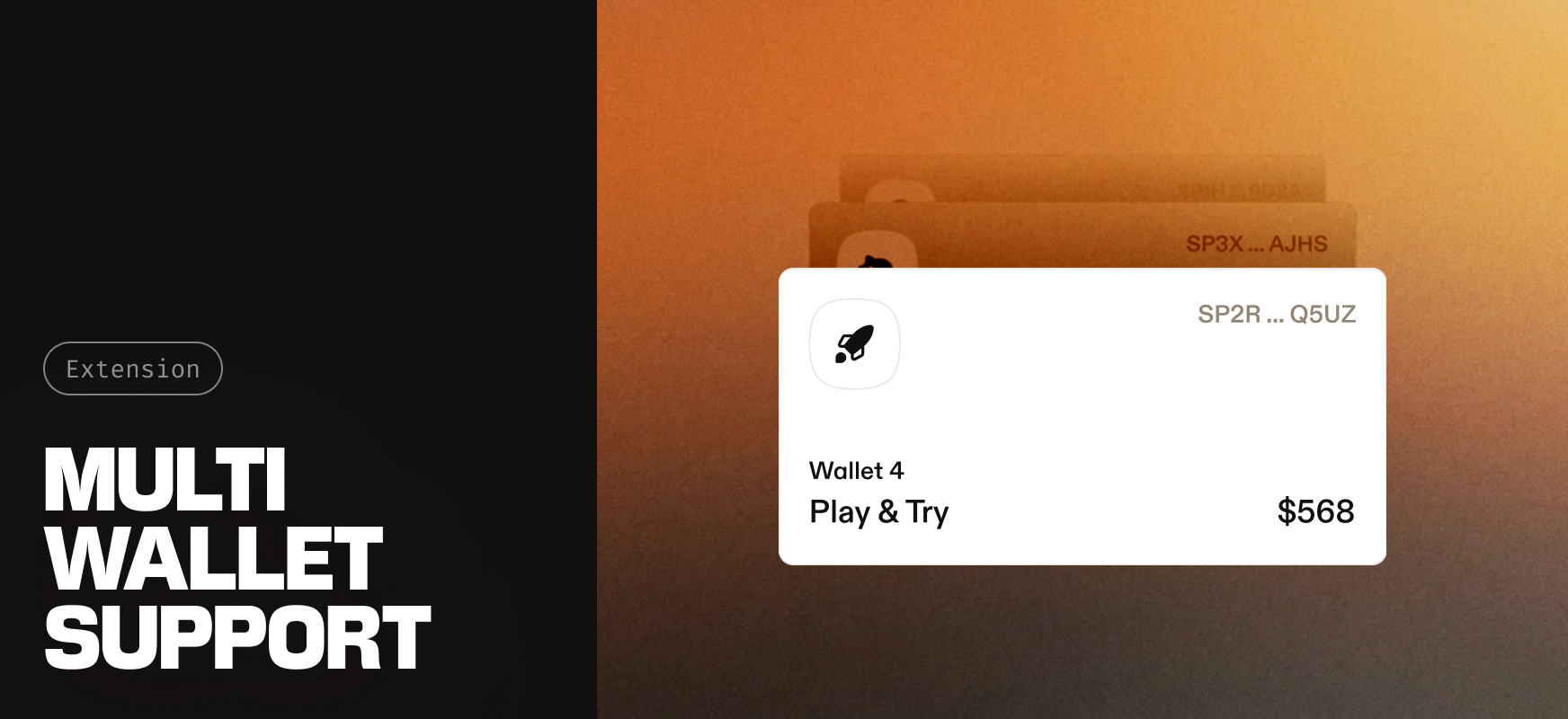
The Leather browser extension now supports multiple wallets at once. You can keep a Ledger hardware wallet and a software wallet in the same place and switch between them in one click.
This has been the most requested extension feature since 2022. Until now, the extension held a single wallet, so running a Ledger alongside a software wallet meant using separate browser profiles or signing in and out. That's no longer necessary.
Hot and cold in one place
The main use case is keeping cold storage and a hot wallet side by side. Hardware backed funds for long term holdings, a software wallet for day to day activity, both available without leaving the extension. It also makes a cleaner default setup easier: keeping everyday funds separate from long term storage no longer takes any extra effort.
It's useful beyond that too. You can run separate wallets for different projects, testing, or personas, and move between them as quickly as you'd switch accounts.
What you can do
- Add as many wallets as you need: software, Ledger hardware, or a mix.
- Switch between them from the wallet picker.
- Create a software wallet or connect a Ledger from a compact "Add Wallet" popover.
- Use Manage mode to rename wallets and accounts, view secret keys, or remove a single wallet, an account, or all of them.
- See which wallets are hardware-backed at a glance, since Ledger wallets and accounts are clearly marked.
Built to handle the details
A few things happen automatically so the experience stays smooth. Software users reuse the in memory key when adding wallets, while Ledger only users get a guided flow to set a password and back up their secret key the first time they add a software wallet. If your Ledger needs a newer Stacks app version, the extension prompts you to upgrade.
Already on mobile
Multi wallet has been available in the Leather mobile app for a while. The extension is now at parity, so the experience carries over if you use both.
Update your extension and switch between your wallets in one click.
Get more of Stacks
Get important updates about Stacks technology, projects, events, and more to your inbox.